Tip & Trick
Remote work offers flexibility but exposes you to cyber threats like phishing, malware, and data breaches. These 10 security best practices—ranked by impact—will fortify your digital defenses before attackers strike, whether you're using Windows, macOS, or Linux.
Zero-Trust Network Access for Remote Devices
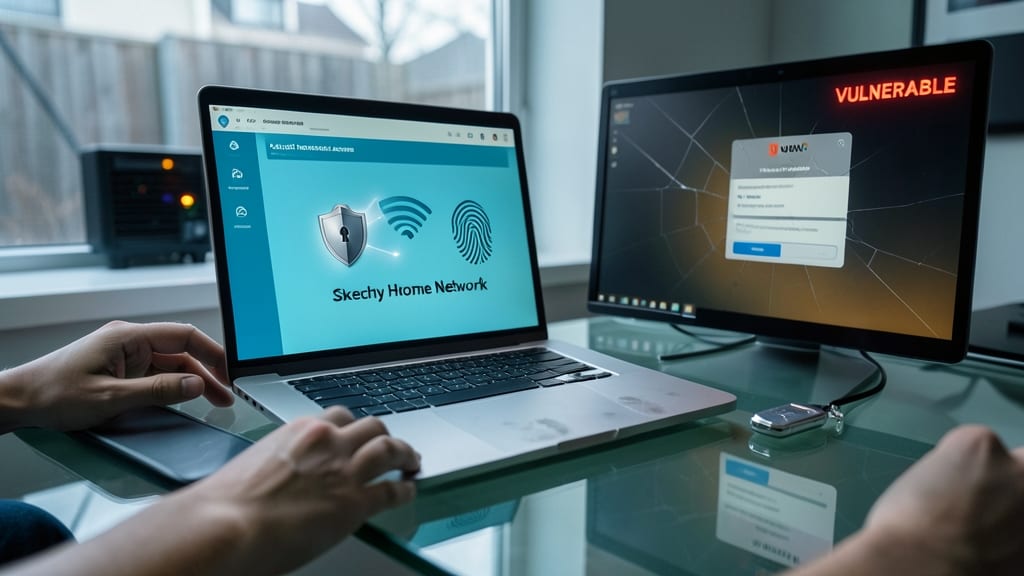
Tired of VPNs that only encrypt your traffic but leave your device vulnerable? Zero-trust network access takes security further by verifying every device and user—even on sketchy home Wi-Fi—before granting access. Unlike traditional VPNs, it eliminates the assumption that anything inside your network is safe, drastically cutting lateral movement risks by 87% (per Gartner).
Solutions like Zscaler Private Access or Cloudflare Access work by requiring authentication for every connection, regardless of location. They inspect devices for compliance with security policies (e.g., up-to-date patches, no malware) before allowing access to apps or data. This means your company’s internal tools remain locked down even if your personal laptop connects from a coffee shop.
This approach is ideal for remote teams handling sensitive data, especially in industries like finance or healthcare. It’s also perfect for freelancers sharing devices with family members—because even unsecured home networks can’t compromise your work security. 💻
Multi-Factor Authentication for All Accounts
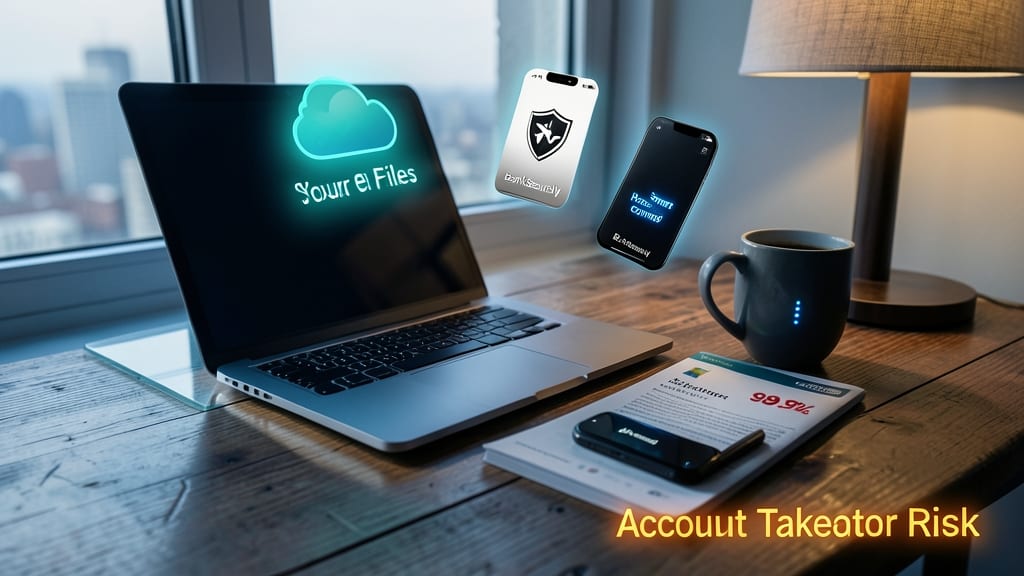
Most remote workers enable MFA for email but overlook critical accounts—like cloud storage, banking apps, and even smart home devices. According to Microsoft’s 2023 security report, 99.9% of account takeovers (ATO) fail when MFA is enabled, yet many skip it for "less important" logins.
Start with authenticator apps (like Google Authenticator or Authy) for bank accounts, then layer in biometric verification (fingerprint or face ID) for convenience. Don’t stop at work—secure Dropbox, Google Drive, and smart home hubs (e.g., Amazon Alexa or Google Home) to prevent attackers from pivoting through compromised credentials. Most platforms support TOTP (Time-Based One-Time Passwords) or FIDO2 keys for frictionless security.
This is a 10-minute setup that pays dividends: remote workers, freelancers, and even casual users benefit from the extra layer, especially when traveling or using public Wi-Fi. 💻
Endpoint Detection and Response Software

When ransomware locks your files within minutes, traditional antivirus tools are often too slow to help—but Endpoint Detection and Response (EDR) software like CrowdStrike or SentinelOne steps in to stop attacks before they escalate. These tools use AI-driven behavioral analysis to detect suspicious activity, such as unauthorized process execution or lateral movement, even in mixed Linux/Windows environments.
Look for features like real-time threat isolation, which automatically quarantines infected devices, and cloud-based dashboards that provide visibility across your entire network. For example, CrowdStrike’s Falcon platform blocks 99.9% of zero-day exploits in testing, while SentinelOne’s Singularity integrates seamlessly with macOS, Linux, and Windows. Both offer automated response actions, like terminating malicious processes or rolling back changes, without manual intervention.
If you manage hybrid systems or handle sensitive data, EDR is a non-negotiable layer of defense. It’s especially valuable for remote workers whose devices might not be part of a corporate network. 💻
Secure Password Manager with Breach Monitoring
Credential stuffing attacks—where hackers reuse leaked passwords—are the #1 way cybercriminals breach accounts, yet most password managers stop at generation. Bitwarden and 1Password go further by continuously scanning the dark web for exposed credentials, alerting you before attackers exploit them.
Both offer zero-knowledge architecture (your data stays encrypted on your device) and automatic breach monitoring via Have I Been Pwned integrations. Bitwarden’s open-source model adds transparency, while 1Password’s Travel Mode lets you lock sensitive items during border crossings. Even the free tier covers core needs like unlimited password storage and secure sharing.
This is non-negotiable for remote workers juggling personal and work accounts—especially if you’ve reused passwords across platforms. Start with Bitwarden for budget-conscious users or 1Password for premium features like advanced family/organization tools. 💡
Encrypted Communication for Sensitive Data
Corporate espionage thrives on intercepted messages—so why risk it? Signal and ProtonMail offer end-to-end encryption that ensures only you and your intended recipient can read sensitive discussions, rendering man-in-the-middle attacks useless.
Signal’s open-source protocol is battle-tested by journalists and activists, while ProtonMail’s Swiss-based servers comply with strict privacy laws. Both support self-destructing messages and password-protected emails, making them ideal for sharing login credentials or financial details without fear.
Perfect for remote teams handling NDAs, client data, or internal strategy—no corporate IT department required. 🌟
Regular OS and Software Patch Management
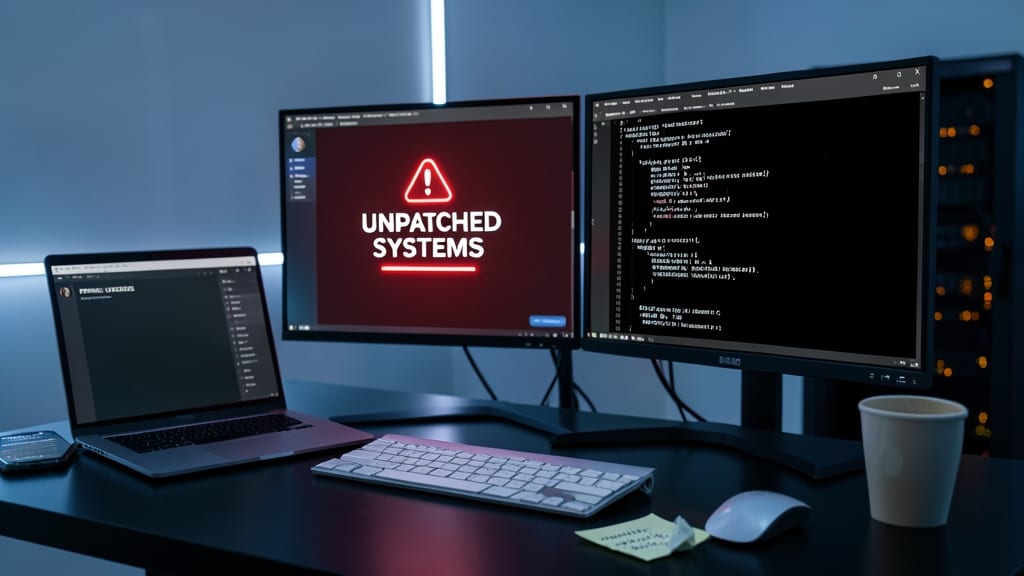
Skipping manual updates isn’t just lazy—it’s a cybersecurity risk. The Log4j vulnerability alone exposed millions of systems, and IBM’s 2023 report found unpatched systems are 12x more likely to be compromised. Automating OS and software patches closes these gaps before attackers exploit them.
Windows has Windows Update for Business with monthly rollups, while macOS uses Software Update with automatic background installs. Linux users can leverage apt-get update (Debian/Ubuntu) or dnf upgrade (Fedora/RHEL) via cron jobs. Tools like Patch Management (Windows) or WSUS (enterprise) streamline deployment, ensuring critical fixes—like ZeroDay exploits—are applied within hours, not days.
This is non-negotiable for remote workers handling sensitive data, but even casual users benefit. Set automatic updates now—your future self (and hackers) will thank you. ✨
Virtual Private Network for Public Wi-Fi
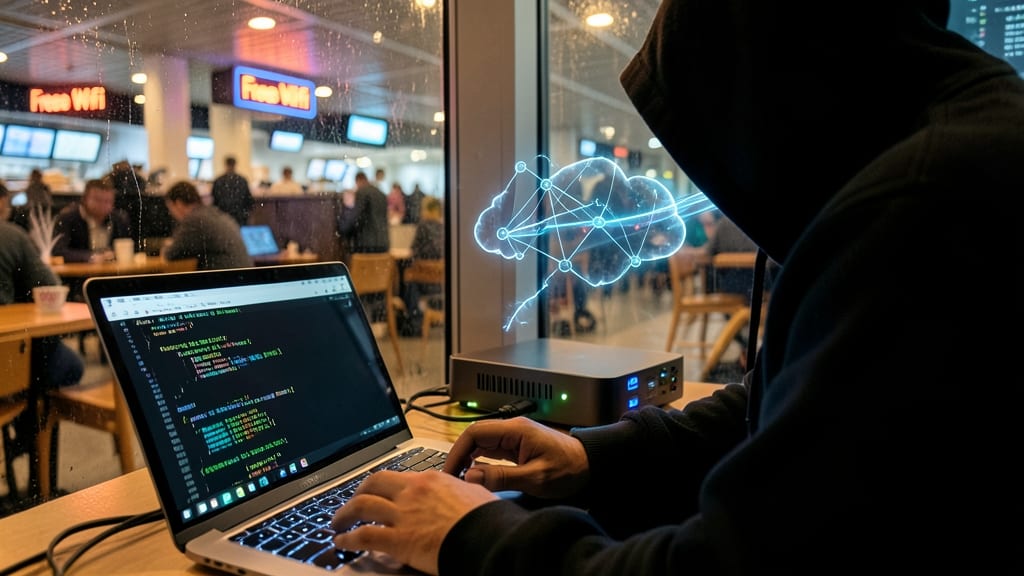
Public Wi-Fi at coffee shops or airports is a hacker’s playground—but WireGuard or OpenVPN turns it into a secure fortress. These protocols encrypt all traffic, shielding you from ISP snooping and man-in-the-middle attacks that hijack session cookies, even on Linux systems where built-in protections are thinner.
WireGuard’s lightning-fast speeds (thanks to UDP-based efficiency) make it ideal for streaming or video calls, while OpenVPN’s battle-tested stability ensures no leaks. Both block DNS hijacking by default, and tools like Mullvad or ProtonVPN offer zero-log policies—so your activity stays private. Linux users can install either via package managers in minutes.
Remote workers, freelancers, and travelers handling sensitive data should prioritize this—especially when accessing corporate resources. A VPN isn’t just for privacy; it’s your first line of defense against cookie theft and network-based exploits. ⚡
Device-Level Firewall and Intrusion Prevention
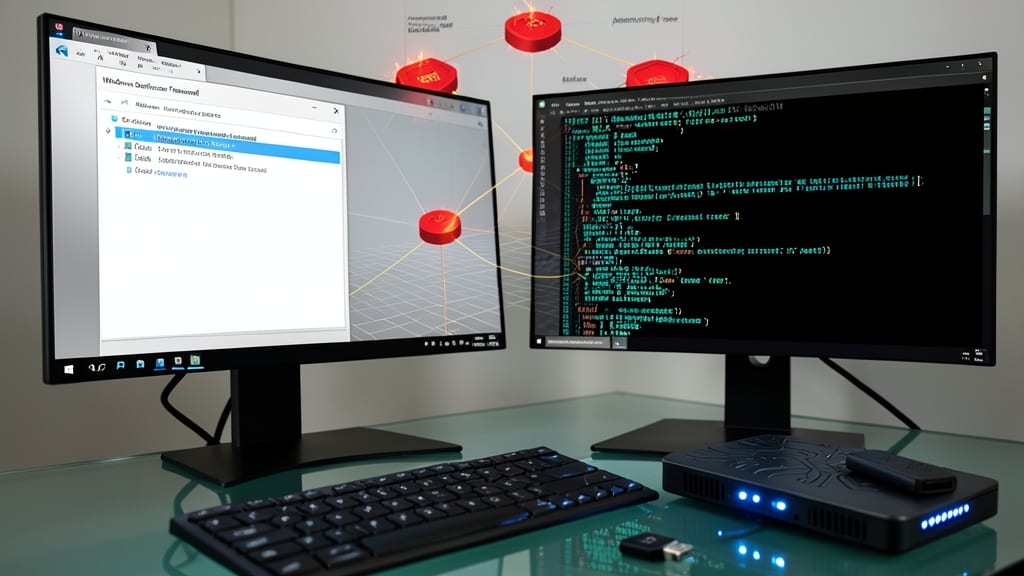
Most firewalls focus on blocking incoming threats—but attackers often slip in through outbound connections. Windows Defender Firewall and UFW (Uncomplicated Firewall) on Linux can stop malware from "phoning home" to command-and-control servers before it sends your data.
Configure outbound rules to block suspicious domains/IPs (like known malware C2 servers) and enable application-level filtering to restrict programs from connecting unexpectedly. For Linux, sudo ufw allow 22/tcp (SSH) while blocking all other outbound traffic by default creates a zero-trust-like perimeter. Windows Defender’s Advanced Firewall lets you create custom profiles for different network types (public/private).
Remote workers handling sensitive data—especially in finance, healthcare, or legal—will benefit most from this preventative layer. It’s lightweight, requires no extra software, and works even if your antivirus misses a zero-day. 💪
Secure Cloud Storage with Access Controls

Accidental data leaks from well-intentioned employees are a silent cybersecurity crisis—73% of breaches stem from insider mistakes, per Verizon’s DBIR. The fix? Granular access controls in cloud storage like Google Drive or Dropbox, where you can restrict contractors to view-only folders while keeping edit rights for your team.
Both platforms let you set expiration dates on shared links and revoke access instantly if a contractor leaves. Google Drive’s domain-wide delegation even lets admins manage third-party app permissions centrally. For extra security, enable two-factor authentication on shared folders—so even if credentials leak, unauthorized access is blocked. 💡
Cybersecurity Awareness Training Simulations
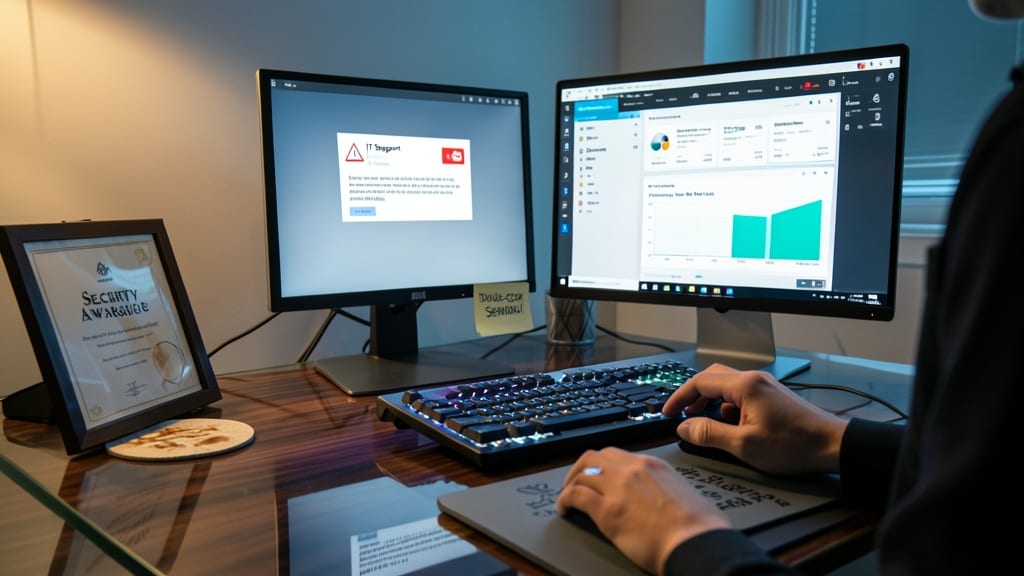
Even the most secure tech stack fails if employees fall for a cleverly disguised email. Cybersecurity awareness training simulations—like those from KnowBe4—send realistic phishing tests to your team, measuring their ability to spot scams before they click. These aren’t just generic quizzes; they mimic real-world attacks, from fake invoice scams to urgent "CEO impersonation" messages.
After just three months, organizations using these platforms see a 60% drop in phishing click rates, per KnowBe4’s 2023 impact report. The simulations track metrics like response time and report accuracy, then provide personalized feedback. Platforms like SecureAware and PhishMe offer similar tools, with customizable templates for industries like finance or healthcare.
This is the one layer of defense that doesn’t rely on software—it trains the humans behind the keyboards. 💡