Skip to content
Template Desk

Template Desk

  • All Articles
  • App
  • Coding
  • Hardware
  • More
    • Operating System
    • Outlook
    • PowerPoint
    • Review
    • Software
    • Tip & Trick
    • Troubleshooting
    • Windows

PowerPoint

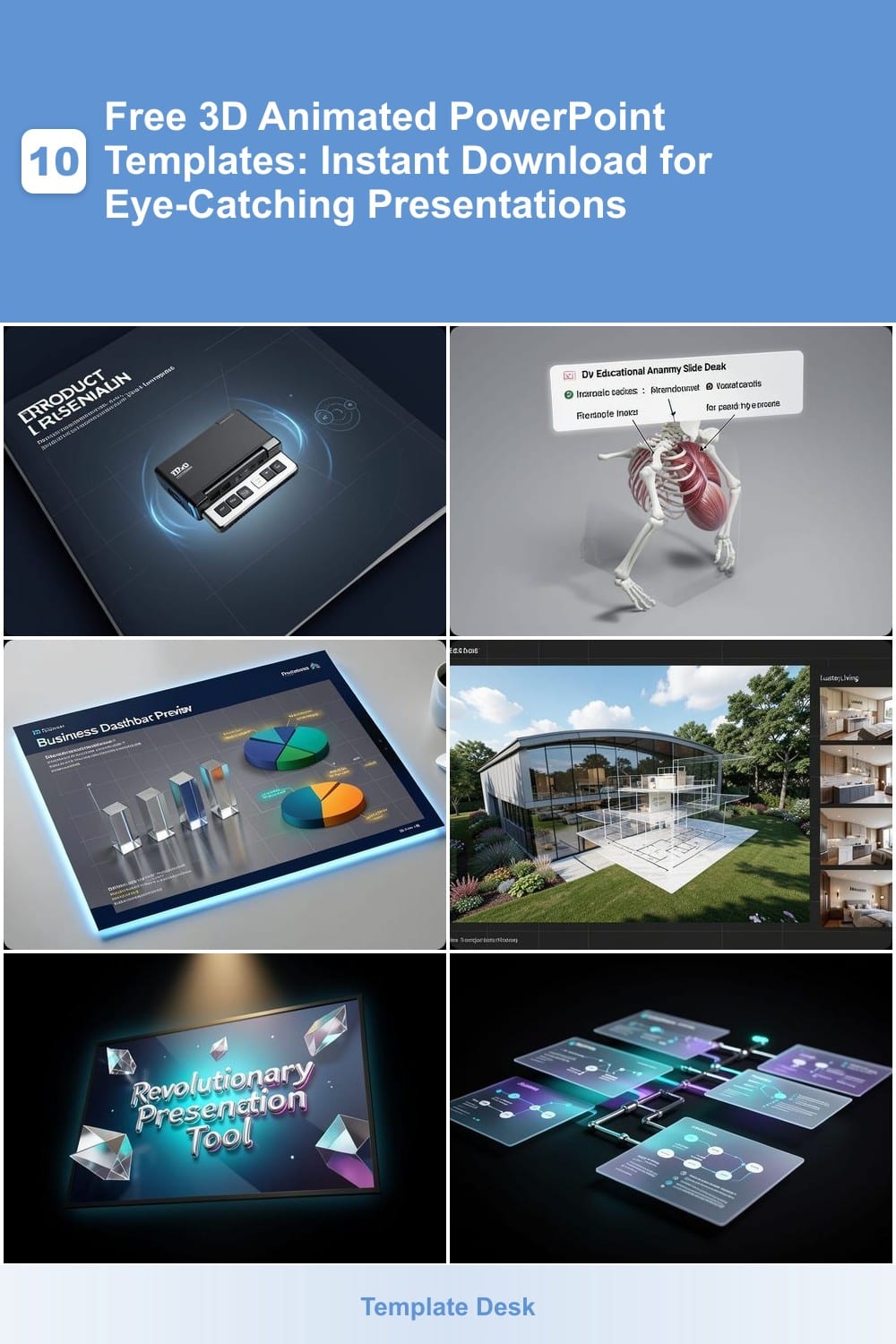
10 Free 3D Animated PowerPoint Templates: Instant Download for Eye-Catching Presentations
October 17, 2026 by Theo Radcliffe
10 Free 3D Animated PowerPoint Templates: Instant Download for Eye-Catching Presentations

Want to elevate your PowerPoint presentations with stunning 3D animations without breaking the bank? These 10 free, professionally designed templates bring depth, motion, and visual impact to your slides—perfect for…

Read more

Categories PowerPoint

How to Add 3d Models in Powerpoint: Embed Objects Instantly Without Plugins

October 16, 2026 by Theo Radcliffe
How to Add 3d Models in Powerpoint: Embed Objects Instantly Without Plugins

Adding 3D models to PowerPoint used to require plugins or third-party tools, but Microsoft built this capability right into the software. ✨ I’ve embedded interactive 3D objects in presentations for clients—from product…

Read more

Categories PowerPoint

How to Create a Multilevel List in Powerpoint: Hierarchy Made Simple With Built-In Tools

November 23, 2026 by Theo Radcliffe
How to Create a Multilevel List in Powerpoint: Hierarchy Made Simple With Built-In Tools

Creating a multilevel list in PowerPoint is simpler than you’d think—once you know the built-in tools. I’ve used this trick in presentations for clients at Microsoft, and it cuts prep time by half. The secret lies in…

Read more

Categories PowerPoint

How to Download PowerPoint on iPad: One-Tap Access to Full Feature Set

October 10, 2026 by Theo Radcliffe
How to Download PowerPoint on iPad: One-Tap Access to Full Feature Set

To download PowerPoint on your iPad, you're just one tap away from turning your tablet into a presentation powerhouse—no matter where you are. ✨ I’ve helped dozens of clients transform their iPads into mobile studios…

Read more

Categories PowerPoint

How to Install PowerPoint From Office 365: Direct Offline Installer for Full Features

October 8, 2026 by Theo Radcliffe
How to Install PowerPoint From Office 365: Direct Offline Installer for Full Features

Installing PowerPoint from Office 365 gives you the full desktop experience—no online-only limits. ✨ I’ve walked through this process dozens of times, and the direct offline installer method is the fastest way to get up…

Read more

Categories PowerPoint

Microsoft Clip Art Images Free Download: High-Resolution Packs for PowerPoint Presentations

October 10, 2026 by Theo Radcliffe
Microsoft Clip Art Images Free Download: High-Resolution Packs for PowerPoint Presentations

Free Microsoft clip art images are easier to download than you think—just head to Office.com’s official library for thousands of high-res graphics ready for PowerPoint. If you’ve ever scrolled through generic stock…

Read more

Categories PowerPoint

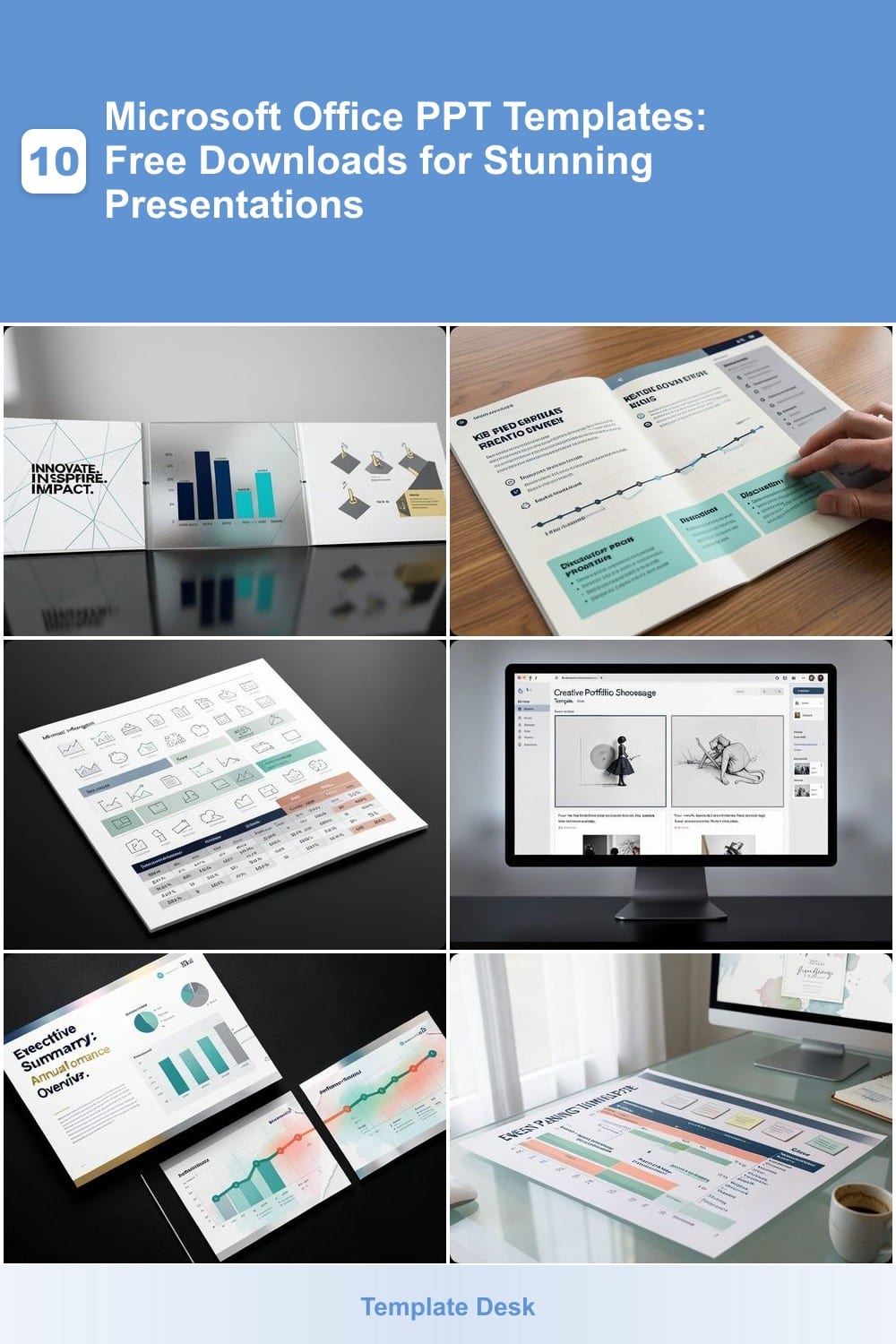
10 Microsoft Office PPT Templates: Free Downloads for Stunning Presentations

October 17, 2026 by Theo Radcliffe
10 Microsoft Office PPT Templates: Free Downloads for Stunning Presentations

Need eye-catching PowerPoint templates without breaking the bank? These 10 free Microsoft Office-compatible PPT templates deliver professional designs for business, education, and creative projects—all downloadable…

Read more

Categories PowerPoint

Visio Process Flow Diagram Template Free Download: Customizable Shapes for Workflow Design

November 23, 2026 by Theo Radcliffe
Visio Process Flow Diagram Template Free Download: Customizable Shapes for Workflow Design

Download a free Visio process flow diagram template with customizable shapes to streamline your workflow design without breaking the bank. Struggling to create professional process flow diagrams in Microsoft Visio? You…

Read more

Categories PowerPoint

Where Is the Reuse Slides Feature in PowerPoint: Hidden Location and How to Access It Quickly

October 13, 2026 by Theo Radcliffe
Where Is the Reuse Slides Feature in PowerPoint: Hidden Location and How to Access It Quickly

💥 Quick Answer To find the Reuse Slides feature in PowerPoint, open the Slide Master view through the Design tab or View menu. Right-click any slide, select Layout , then click Reuse Slides to import existing slides or…

Read more

Categories PowerPoint

How to Make Your PowerPoint Stand Out: Bold Design Tricks for Instant Impact

November 24, 2026 by Theo Radcliffe
How to Make Your PowerPoint Stand Out: Bold Design Tricks for Instant Impact

Learn how to make your PowerPoint stand out by blending into the background—until you discover bold design tricks that grab attention without shouting. 💡 The secret isn’t flashy animations or gimmicks; it’s smart…

Read more

Categories PowerPoint

About Me

Theo Radcliffe

Theo Radcliffe
My first computer was a clunky desktop in my bedroom, its green-screen monitor flickering with games and BASIC code I barely understood. That machine taught me how much magic hides behind the hum of a hard drive—how a few lines of text could build something entirely new. Now, I run this site to make tech feel less intimidating, whether it’s troubleshooting a stubborn PC or uncovering the hidden gems in an operating system. My goal? To help you turn ‘I don’t get it’ into ‘Ah, that makes sense.’

Learn more

Recent Posts

  • How to Download a Recording From Teams: Instant Playback Without Sync Delays
    How to Download a Recording From Teams: Instant Playback Without Sync Delays
  • TPM 2.0 Download for Windows 10: Direct Offline Installer Without Sync Delays
    TPM 2.0 Download for Windows 10: Direct Offline Installer Without Sync Delays
  • Microsoft Windows Defender Windows 8 Download: Direct Offline Installer for Full Protection
    Microsoft Windows Defender Windows 8 Download: Direct Offline Installer for Full Protection
  • How to Add 3d Models in Powerpoint: Embed Objects Instantly Without Plugins
    How to Add 3d Models in Powerpoint: Embed Objects Instantly Without Plugins
  • How To Install OneNote For Windows 10: Direct Offline Setup Without Sync Delays
    How To Install OneNote For Windows 10: Direct Offline Setup Without Sync Delays
  • All Guides
  • About
  • Contact
  • Privacy Policy
  • Cookie Policy
  • Terms of Use
© 2026 templatedesk.work