
Coding
SQL Server 2012 introduced groundbreaking features that transformed database management and application development. These 10 game-changing tools boost performance, simplify administration, and unlock new capabilities for developers working with enterprise-grade data systems.
Columnstore Indexes For Massive Data Compression

Struggling with bloated data warehouses that slow down your analytical queries? Columnstore indexes in SQL Server 2012 deliver a game-changer by compressing data up to 10x without sacrificing performance—unlike traditional row-based indexes that store every column redundantly.
This feature stores data in vertical segments (columns) rather than horizontal rows, enabling high-speed aggregations and scans. For example, a 1TB dataset might shrink to just 100GB, while query speeds remain nearly identical to uncompressed tables. It’s especially powerful for data warehousing and big data scenarios where storage costs and query latency are critical.
Perfect for BI teams and developers managing large-scale analytical workloads, columnstore indexes reduce storage overhead while keeping performance optimized. ⚡
AlwaysOn Availability Groups For High Availability

Downtime isn’t just an inconvenience—it’s a business killer. AlwaysOn Availability Groups in SQL Server 2012 solved this by introducing synchronous data replication across multiple servers, ensuring 99.999% uptime without requiring costly hardware upgrades.
This feature lets you configure primary and secondary replicas for automatic failover, with minimal data loss during transitions. Unlike traditional mirroring, AlwaysOn supports multiple readable secondaries, allowing you to distribute read workloads and scale performance. The zero-data-loss option ensures critical transactions never get lost, even during failovers.
Perfect for financial systems, healthcare databases, or e-commerce platforms, AlwaysOn turns high availability from a luxury into a standard. No more excuses for unplanned outages. ⚡
Contained Databases For Simplified Deployment
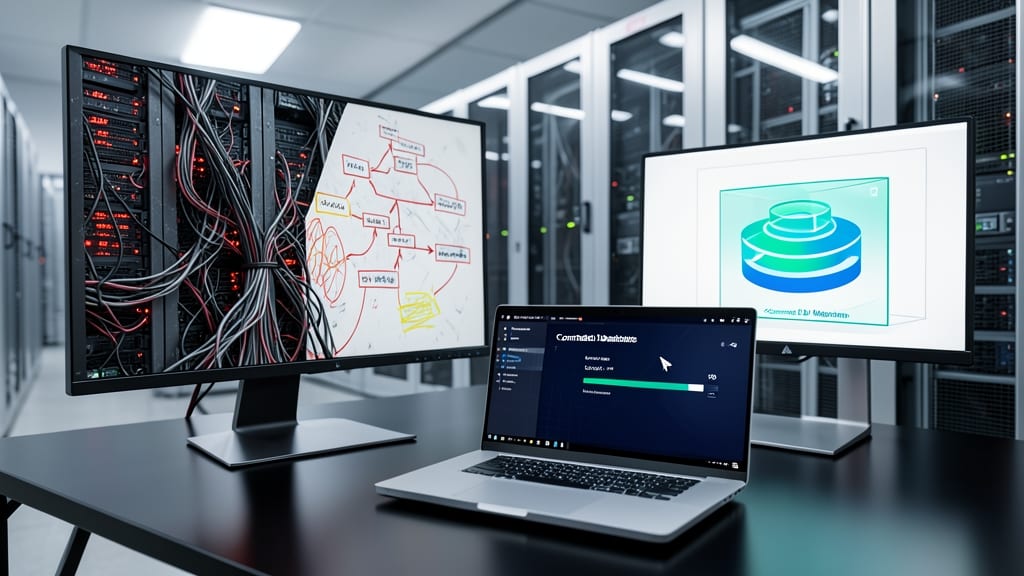
Tired of database migrations turning into multi-day projects? Contained databases in SQL Server 2012 changed the game by letting each database run as a self-contained unit—no more server-level dependencies or manual metadata syncs. This meant you could move, upgrade, or restore a single database without touching the entire server environment.
The feature introduced contained database metadata (like logins, users, and schemas) stored within the database file itself, rather than relying on server-level configurations. This eliminated the need for complex scripts during deployments and reduced the risk of environment-specific errors. Combined with zero-configuration backups, you could now deploy a database to a new server with just a few clicks—no manual setup required.
Perfect for dev teams managing multi-tenant apps or cloud deployments where isolation is critical, contained databases cut deployment time by up to 70% while improving reliability. 💻
Window Functions For Advanced Analytics

Tired of writing convoluted queries with multiple temporary tables just to calculate running totals or moving averages? SQL Server 2012’s window functions changed the game by letting you perform frame-based analytics directly in your SELECT statements—no stored procedures required.
With functions like ROW_NUMBER(), RANK(), and OVER(), you can now compute aggregations across sets of table rows without self-joins or subqueries. For example, calculating a 7-day rolling average or identifying top performers by department becomes as simple as adding a single clause. The OVER() syntax supports partitioning, ordering, and framing options, giving you granular control over your analytical window.
This feature is a game-changer for data analysts, BI developers, and reporting teams who need to slice and dice datasets efficiently. Whether you're building financial reports, customer segmentation models, or real-time dashboards, window functions cut query complexity by up to 40%. ✨
SQL Server Data Tools For Unified Development
Tired of juggling between Visual Studio and SQL Server Management Studio? SQL Server Data Tools (SSDT) merges these tools into one seamless environment, letting you design, debug, and deploy database projects without context-switching.
With deep Visual Studio integration, SSDT provides schema comparison, unit testing for databases, and project-based development for SQL Server objects. The database project model ensures version control compatibility, while the debugger lets you step through T-SQL code as if it were any other application logic. This is a game-changer for teams managing complex database schemas alongside application code.
Perfect for developers working on enterprise applications where database and application logic evolve together. ⚡
Contained User Accounts For Security Isolation
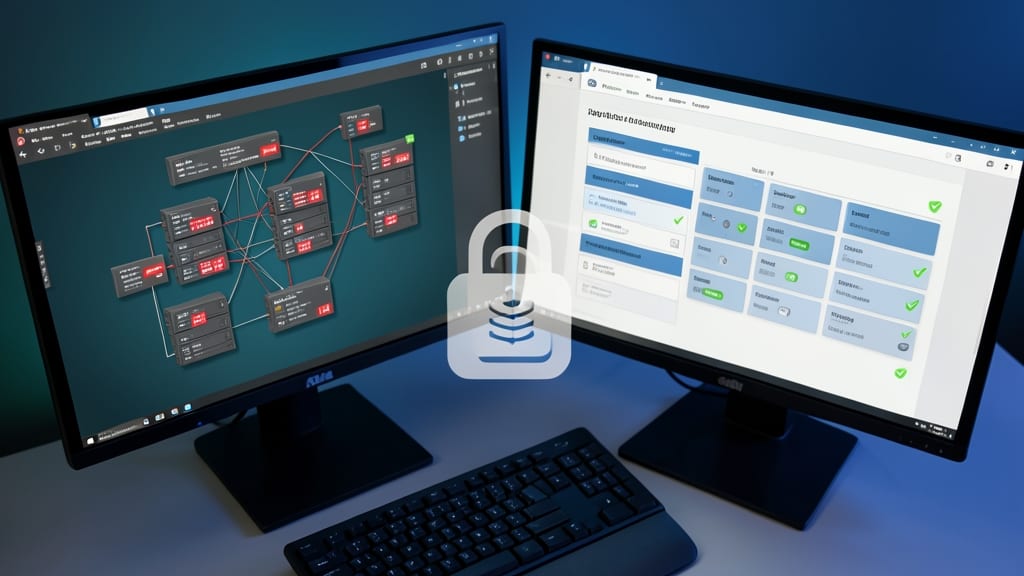
Tired of managing server-wide permissions that create security nightmares in multi-tenant environments? SQL Server 2012’s contained user accounts solve this by shifting authentication to the database level, not the server.
This feature lets you create database-scoped logins that don’t require server-level credentials, drastically simplifying administration. No more cross-database permission conflicts or complex server-wide user mappings—just granular control where it matters. It also supports password policies and login encryption at the database level, making it ideal for SaaS providers or shared hosting scenarios.
Perfect for developers managing multi-tenant applications or IT admins juggling complex permission structures. Say goodbye to security headaches with this zero-config isolation solution. ✨
Sequences For Auto-Generated Values

Tired of rigid identity columns that force sequential numbering with no flexibility? SQL Server 2012 introduced sequences—a game-changer for generating custom auto-incremented values that finally break free from the old limitations.
With sequences, you gain full control over increments (even negative values), set custom starting points, and create multiple sequences per table for complex scenarios like batch processing or multi-tiered numbering systems. Unlike identity columns, sequences allow gaps in numbering, making them ideal for audit trails or recovery scenarios where continuity isn't critical.
Developers managing inventory systems, financial ledgers, or multi-tenant applications will love this feature—it simplifies workflows where traditional identity columns fall short. ⚡
Power View For Interactive Data Visualization
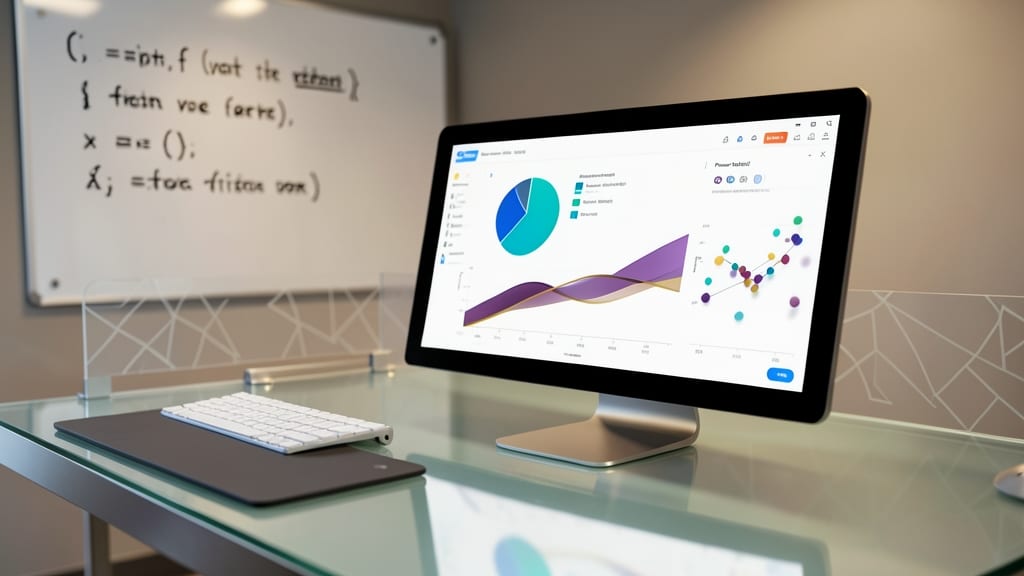
Tired of relying on third-party tools to create dashboards that actually wow your stakeholders? Power View—SQL Server 2012’s built-in BI powerhouse—lets you drag-and-drop interactive visualizations straight from your data. No Excel plugins or external software required.
With touch-friendly gestures, support for 3D charts, and seamless integration with SQL Server Analysis Services (SSAS), Power View turns raw data into dynamic reports. You can filter, drill down, and even animate trends—all without writing a single line of BI-specific code. Best of all, it’s included in the SQL Server Enterprise edition, so no extra licensing headaches.
Perfect for business analysts who need to explore data intuitively or developers tired of explaining why PowerPoint charts can’t cut it. 💡
FileTable For Hybrid File And Database Storage
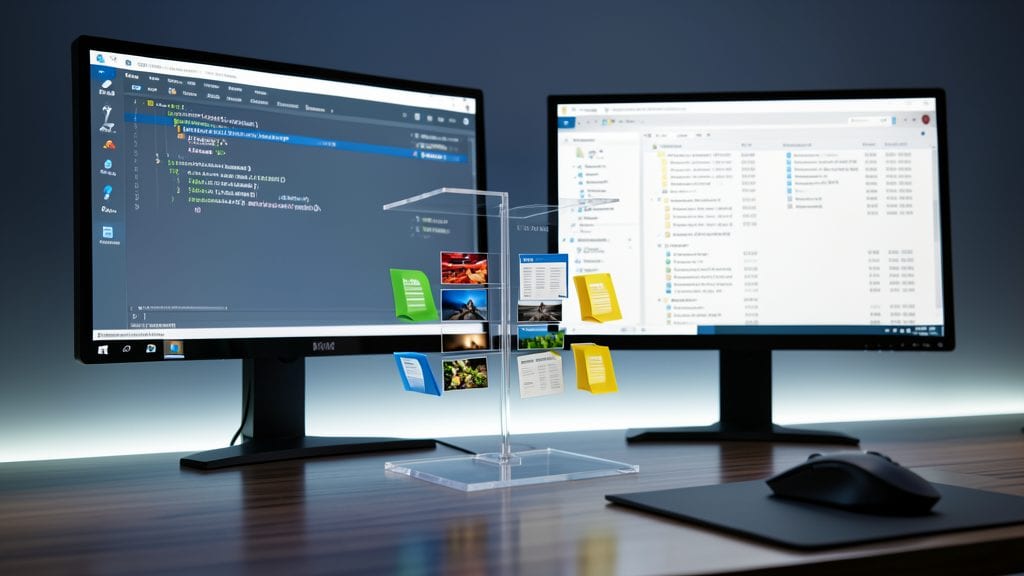
Tired of juggling file systems and databases separately? FileTable bridges that gap by embedding file system structures directly into SQL Server tables—no more manual syncing or external storage headaches.
This feature lets you store files (like Word docs or images) as rows in a database while preserving their metadata (names, timestamps, permissions). You get NTFS-like permissions and hierarchical folder structures without leaving SQL Server. Perfect for document management systems where files and metadata must stay tightly coupled.
Ideal for developers building content management systems or enterprise apps where documents need versioning and relational queries. The best part? It works with Windows Server File System natively, making it a seamless upgrade path. ✨
Contained Database Backup And Restore
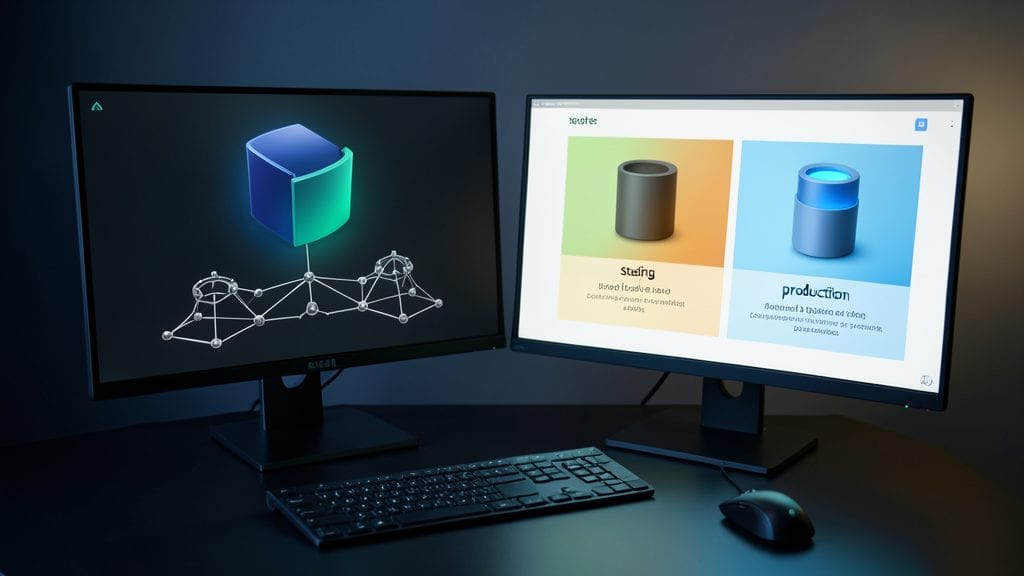
Tired of manually tracking dependencies when moving databases between test, staging, and production? SQL Server 2012’s Contained Database Backup and Restore feature solves this by packaging everything—schema, data, and even user permissions—into a single, self-contained backup file.
With this feature, you can restore a database to a completely different server without worrying about server-level logins or linked objects. The BACKUP DATABASE command now supports the CONTAINMENT option, ensuring all dependencies are included. This eliminates the need for pre-restoration scripts or manual configurations, saving hours of setup time.
Perfect for DevOps teams and database administrators managing multi-environment deployments, this feature ensures consistency across development pipelines while reducing human error. ✨